In the previous post I talked about a skill that helped me with my taxes. Now that we know what a skill is, let’s create a new one together.
The first thing was to find a real life problem, and it came in a natural way talking about my second brain with my friend Pau. He told me that he is a meeting-note-taker fanatic. He writes down every single meeting that he does, and then gives it to his second brain which classifies it, cleans the formatting, and saves it for the future.
When he told me about this, I thought it was an incredible idea. I had different sources that nourish my second brain: conversations with AI, articles, or tweets. But I had never thought about meetings.
So I decided to build a skill for it. One command that takes your notes or a transcript and does all the classifying, formatting, and saving automatically.
About the problem
A big part of my job, and this is something common in different roles across the tech world like project managers, product owners, or consultants, is the number of meetings we have every day.
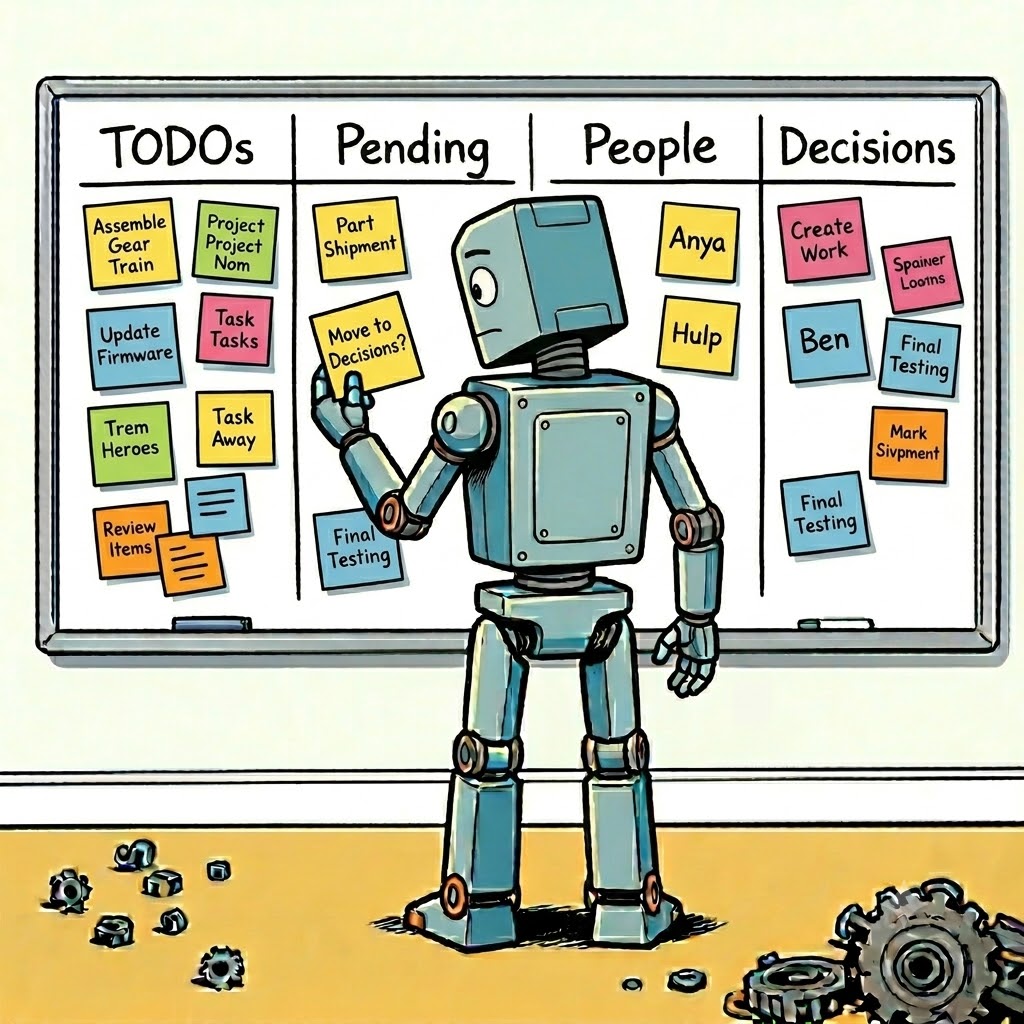
Everyone has a different approach, but mine was to keep everything manually: a TODO list, pending tasks from others, and a quick project update after each meeting.
The problem is when you have two meetings in a row. You don’t have time to take your notes, and you lose track. A week later, you can’t remember who committed to what.
The objective
The objective of the skill was to automatically create a list of actions after the meeting, and also to save the information in a way that you can review it in the future. The skill accepts two types of input: meeting notes or a full transcript.
I also added a bonus feature: a people directory that tracks everyone you interact with and their role in the company. Something that could be really useful if you are new to a company.
Design decisions
When we think about a skill, the first thing that comes to mind is: why create a skill when I can add all this information to the CLAUDE.md file? For those who don’t know, every project you create with Claude has a CLAUDE.md file that explains the objective of your project, your rules, and your context.
The difference is simple: CLAUDE.md loads every time you open the project. A skill only loads when you call it.
In this case, you can work with the information of your project in different ways, but you only want to use a skill at a defined moment. So it is better to have all this information, workflow, logic, and steps, separated and only call it when necessary.
Building the skill
A skill is a markdown file called SKILL.md that starts with a header that tells Claude what the skill is called and when to use it.
---
name: meeting
description: Process a meeting note or transcript and update the vault: project file, TODOs, pending from others, people directory, and meeting archive.
---
The rest of the file contains a set of instructions in plain language. In this case an 8 step workflow.
### Step 1 — Read the input
If a file path is given: read the file.
If content is pasted directly: use that.
Detect input type: notes or transcript.
For transcripts: extract a clean summary first before proceeding.

### Step 2 — Archive the raw content
Save the original content to meetings/YYYY-MM-DD_slug.md with date, attendees, and project in the header.
How to get it running
The skill is available to download here and you can use it in different platforms as Cursor, Windsurf or GitHub Copilot.
Once installed, the only thing that you have to do is write /meeting, add the information of the meeting (transcription or notes) and the assistant will create a list of TODOs, a dependency list of tasks, and update a list of people who was in the meeting.
Conclusions
I see Skills as modules that you can load in different projects and setups. The key is that you do not need to rebuild your workflow every time. You design it once, and you call it when you need it.
Building this skill also made me think about a new question: when do you actually need a multi-agent architecture, and when is a single agent with the right skills enough? But this will be a topic for the next post. In the meantime, you can download the skill, try it and adapt to your own setup.