People often ask me which model I use for my personal AI projects. And honestly, the model is important but.. usually the harness is the thing that matters more.
But what is a harness? It’s everything around the model that makes things happen. I like to think of an agent as a car that drives you somewhere. The model is the engine, but the rest (wheels, structure, steering wheel) is the harness. If you only have an engine, you won’t get anywhere. But with a harness, you get things done.
So, here is the formula:
Agent = Model + Harness
The model is the brain that receives a prompt and returns a response. That’s all it does. It has no memory, it cannot touch any files or do anything else.
The harness is everything else. It takes your prompt and adds context, decides which tools the model can use, executes the tools, manages memory and calls the model when necessary.
In fact, I’m sure you already know many harnesses, like Claude Code, OpenCode, Copilot or Cursor. You can run the same model on two of them and get very different results.
Why? Because of what’s inside the harness. Let’s dive in.
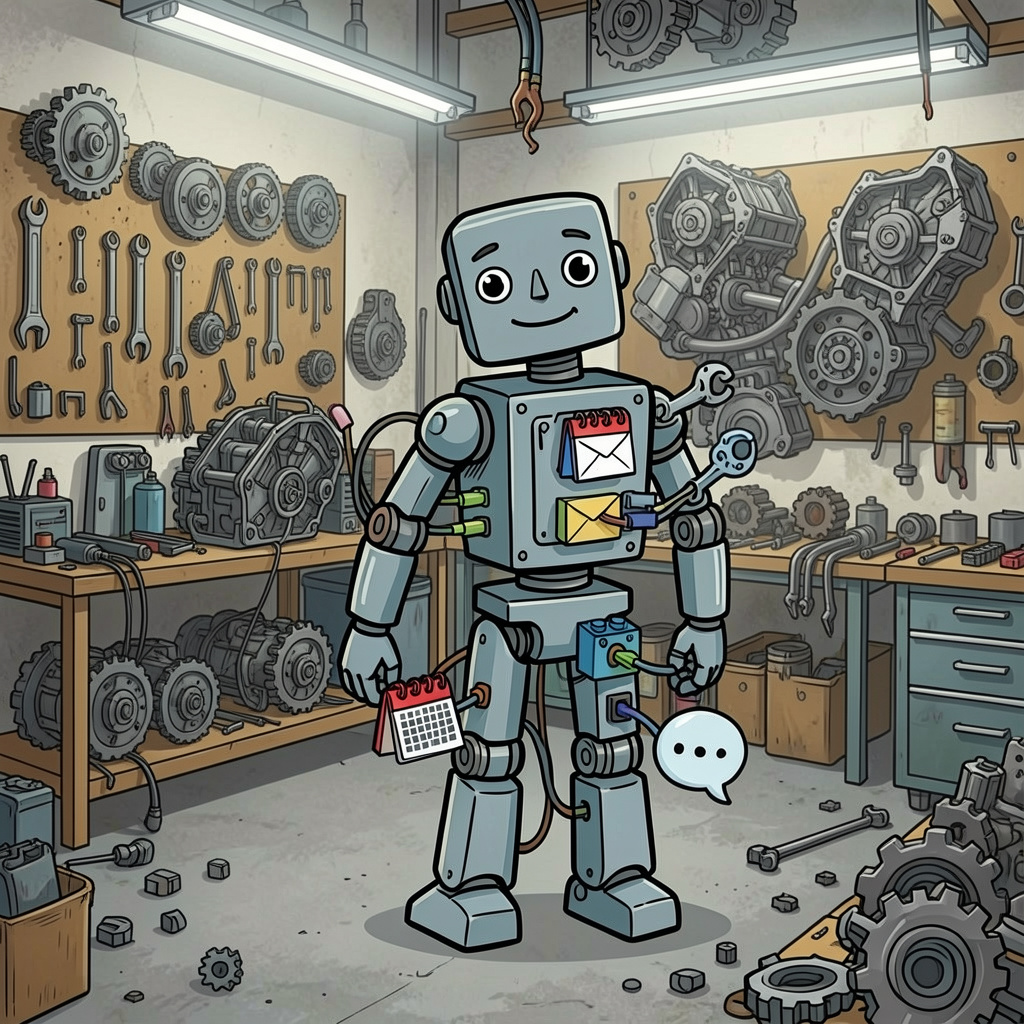
Context Builder
When you call an agent with a prompt, the model will receive this information, but the harness will add a lot of context that helps the model give you an answer more suitable for you.
The context builder uses three strategies to select the information that it will add to your prompt before sending it to the model:
- Static content: files that are always added to the call and have key information about you and your project. Depending on the harness, these are different files, like
CLAUDE.mdwith Claude Code,.github/copilot-instructions.mdwith Copilot or.cursorruleswith Cursor. - Dynamic content: the model asks for files using tools when needed.
- Index / RAG: some harnesses have indexed information and search for relevant content to add to your context.
There is also a hierarchy applied to the static content (global => project => subfolder), where the most specific level wins. Project instructions override your global ones, and subfolder instructions override both.
The result is that the harness decides what the model sees, and the model can only reason about what it sees.
Tools
The tools are the way the agent acts on the real world. Read files, write, execute commands, etc.
All the tools are inserted in the prompt from the beginning (name + description), and the model will choose to use a tool or not depending on this information. That’s why it’s super important to have a good description of your tools. A bad description could mean that your tool is never used.
The model doesn’t execute anything. It returns a tool call to the harness, and the harness executes it and calls the model again with the result.
It is important to have a small number of tools to avoid bloating the context. Remember that models give better answers with a smaller context.
The loop
This is a key concept. The agent doesn’t make a single call to the model, it makes a loop. Call the model => model thinks => calls a tool => the harness executes it => the result of the tool goes back to the context => call the model again. It repeats this until the task is done.
The model is like Dory from Finding Nemo. It forgets everything, and you have to remind it of everything every time. The context grows with every iteration.
The harness stops the loop when the model doesn’t call another tool. Sometimes because it has the right answer, and sometimes because it cannot do any better.
Permissions
Sometimes the model doesn’t do the right thing, because it makes mistakes. Imagine an agent with unlimited access to your files, this could be catastrophic.
To avoid this, the harness has three different ways of working, declarative permissions (you define what the agent can do or not), real time confirmation (the agent will ask you for permission while it’s running) and the sandbox, which instead of asking makes some actions impossible.
More permissions means a more autonomous agent, but also more risk. And every harness picks a default way of working that can be personalized by the user.
Memory and context management
Remember that the model is like Dory and forgets everything between calls. To avoid this, the agent has different types of memory:
- Inside a session, the memory is the context itself, and it grows with every call.
- Between sessions, the memory is files that contain the important information (like
CLAUDE.md).
But there is a problem with long tasks. The context grows and grows, every call becomes more expensive and the answers get worse.
To solve this, the harness can use compaction, summarizing the conversation instead of saving the whole information. And the second trick is subagents, that can work with a limited number of tools and context (as discussed in my last post).
Final thoughts
Now that you know the formula, Agent = Model + Harness, you can see the importance of a good harness. So, think about this when someone talks to you about the importance of the model, and start thinking about choosing the harness that best suits your needs (Claude Code, OpenCode or Cursor).
We will see this comparison in the next post.